
Blackcap Overview
Audience: User, Org Admin, System Admin, Deployment Administrator Related: Index · Feature Catalog · Technology, Administration, and Reliability · Recipes · Meal Planner · Displays · Let’s Cook
Blackcap is a recipe, meal-planning, shopping, kitchen-display, and guided-cooking application. It supports Raspberry Pi and GCP deployments, SQLite and PostgreSQL, local e-ink displays, Hosted Web Receivers, Kiosks, Remote Pi Clients, mobile and administrative interfaces, and the Blackcap Chrome Extension.
Blackcap is organization-aware. Users work in an Active Organization, while System Admin and Org Admin permissions control platform and organization administration. The detailed documentation is organized by stable feature and operational responsibility rather than by the development conversation that introduced a change.
Authenticated Admin users can open 📄 Documentation from the user menu to browse this canonical documentation inside their Blackcap instance. The same Markdown source is also used for the public Blackcap documentation presentation.
Major capabilities
Blackcap's everyday product capabilities include Recipe Library, normal and social recipe import, manual and photo capture, recipe editing and sharing, Meal Planner, Shopping Lists, Kitchen Inventory, display assignment and scheduling, Let’s Cook, AI-assisted workflows, voice assistants, the Chrome Extension, Mobile, integrations, and trivia games.
🧱 Solid technical foundation
The household-facing workflows are supported by role-aware organizations and security, provider-aware Database Admin, 🧑💻 API Tester and personal API Tokens, System diagnostics and safe audits, Performance and Job Status, backups and restore, data retention and cleanup, regression testing, activity history, GeoIP diagnostics, and managed deployment services. These are technical and administrative capabilities rather than ordinary end-user features.
See Technology, Administration, and Reliability for the maintained foundation overview.
Deployment choices
- Raspberry Pi: local server, SQLite by default, optional attached Local E-Ink, optional Remote Pi Client behavior, stunnel TLS, systemd services, and managed schedules.
- GCP: Compute Engine application host, Cloud SQL PostgreSQL, Cloud SQL Auth Proxy, Gunicorn, Nginx, HTTPS certificates, background services, and host-aware backup behavior.
Product previews
The original project overview included these product examples. They remain useful as orientation, but the application UI and rendering may evolve beyond the captured images.
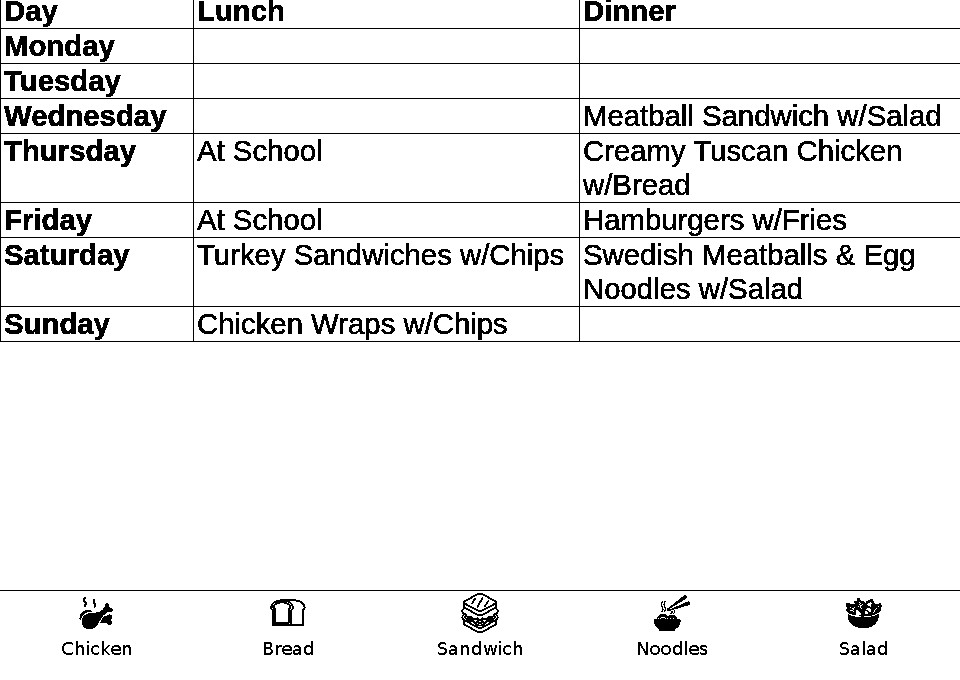
Menu mode with smart icons
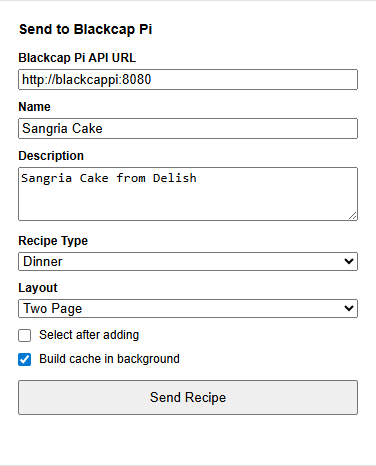
Chrome Extension recipe capture
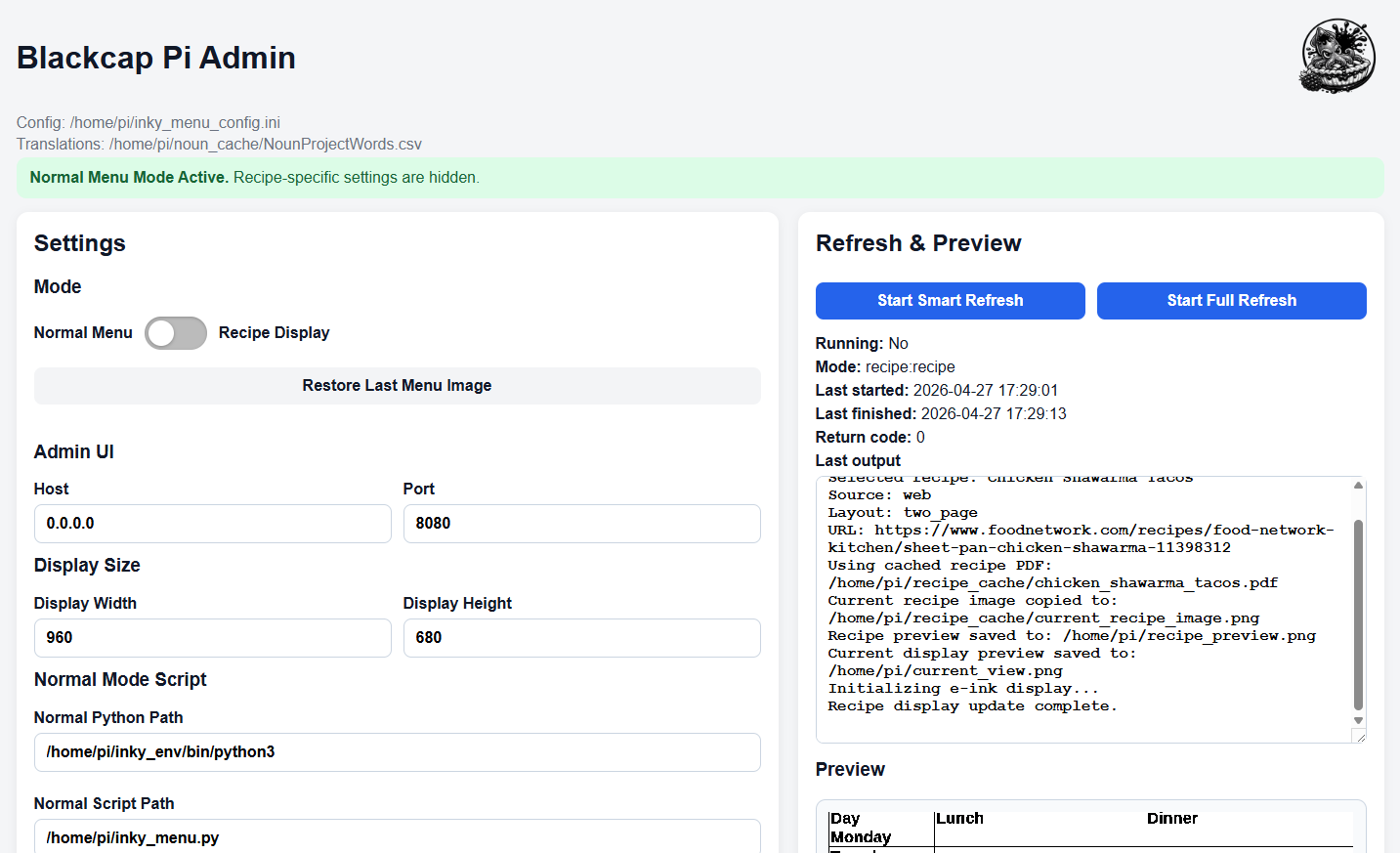
Admin UI
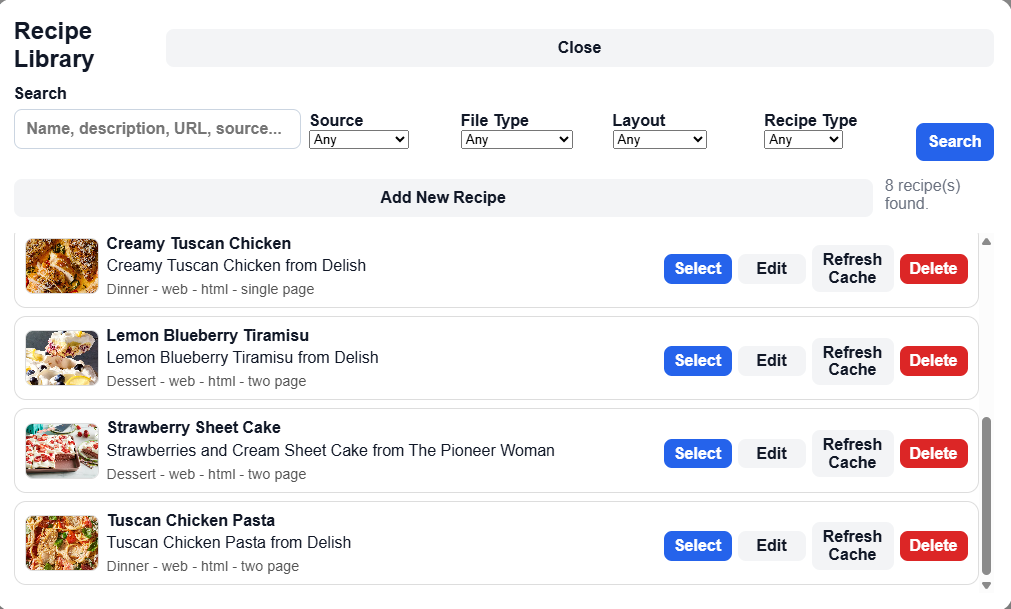
Recipe Library
Mobile UI
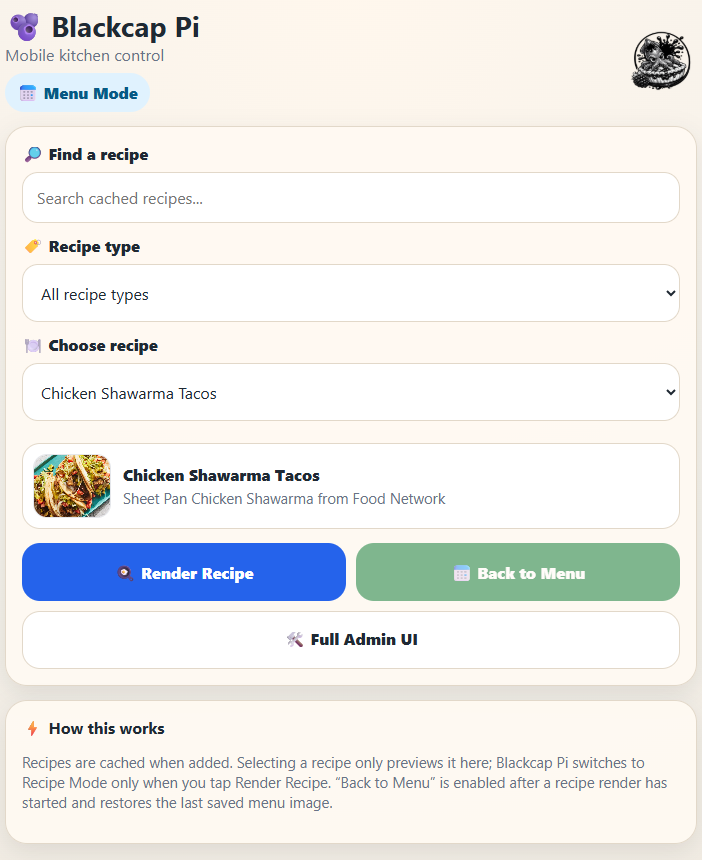
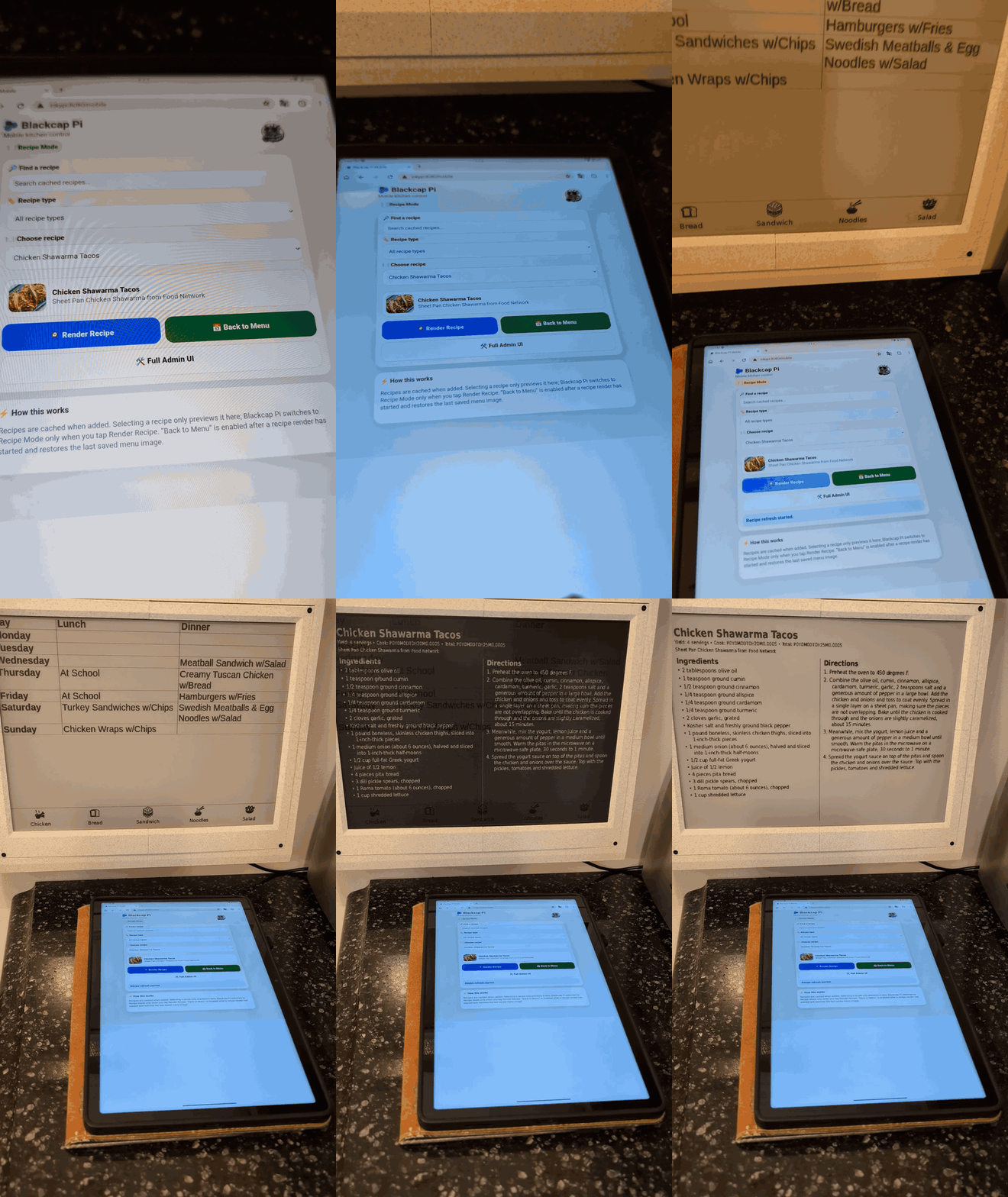
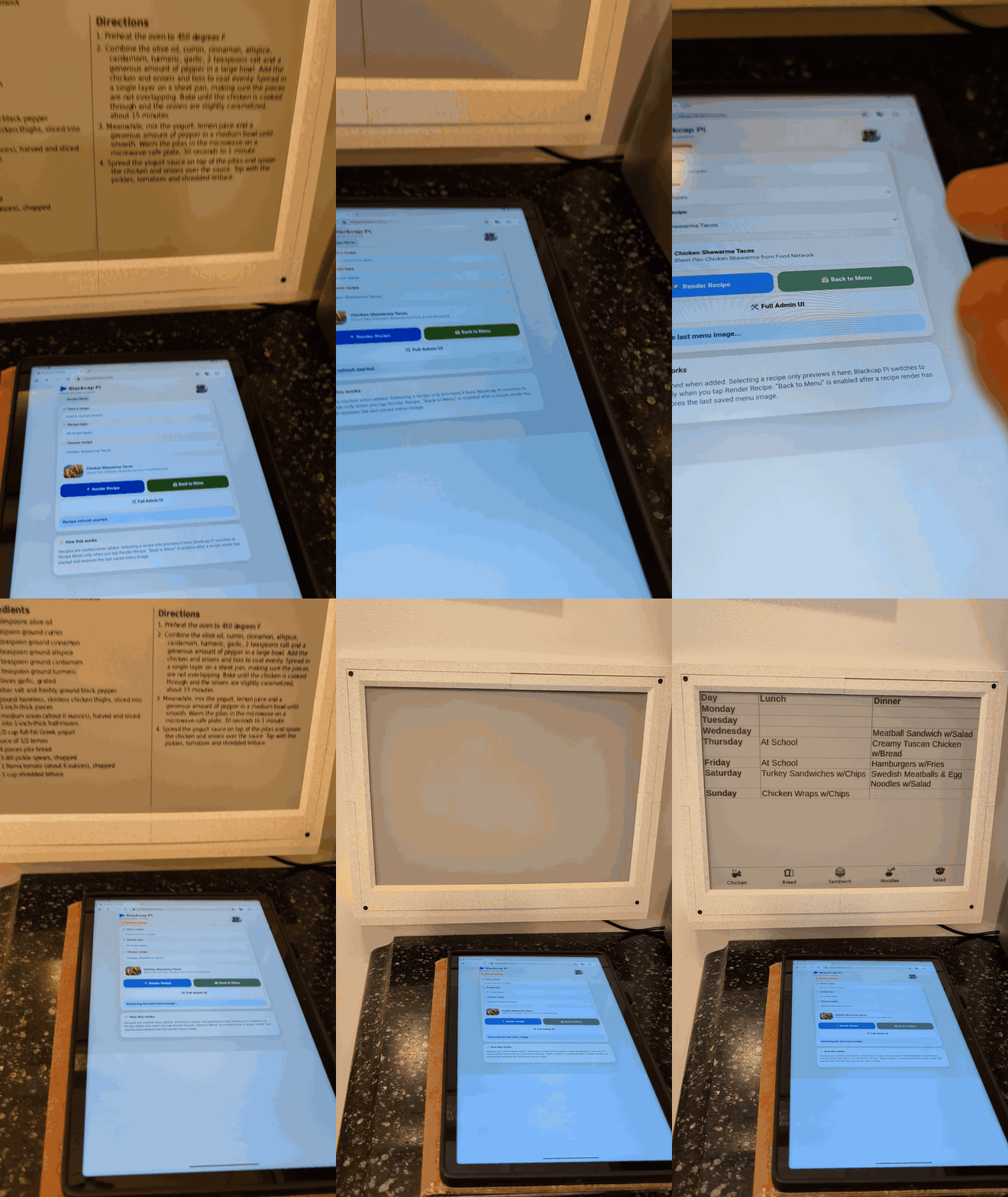
Live recipe display and Return to Default
Product principles
Blackcap is designed to be calm, focused, useful, and visually quiet when it is not demanding attention. Its e-ink roots favor low-power, low-refresh, distraction-free presentation, while the broader product keeps recipe, planning, shopping, administration, and guided-cooking workflows intentional rather than noisy.
Contributions should preserve existing architecture and user behavior, add focused tests, and update the canonical documentation. See Documentation Standards.
More information
- Feature Catalog — Browse the complete categorized list of implemented Blackcap capabilities.
- Technology, Administration, and Reliability — Review the platform, data, diagnostics, backup, retention, and deployment foundation.
- Installation — Install Blackcap for a Raspberry Pi or GCP deployment.
- First Run — Complete the initial sign-in, organization, configuration, and validation steps.